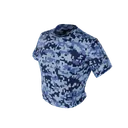
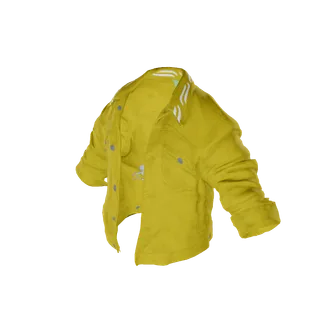
012 Top
Male
Male
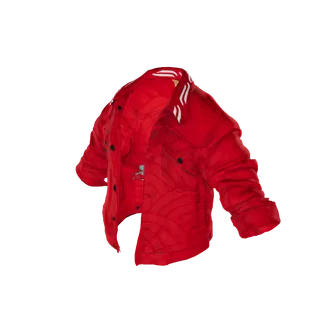
Quilted Jacket
a b c d
Price 450
Bring your DurtyClothTool or grzyClothTool work into the browser and edit one pack with your whole team at the same time. Packs keeps it in the cloud with its history and builds the FiveM resource when you are ready.
Free to start · sharing on Pro and Max
Quilted Jacket
Price 450
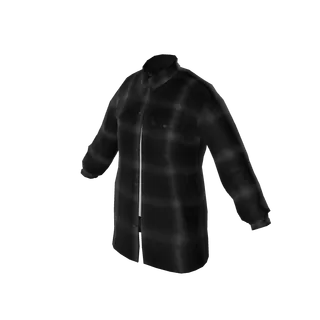
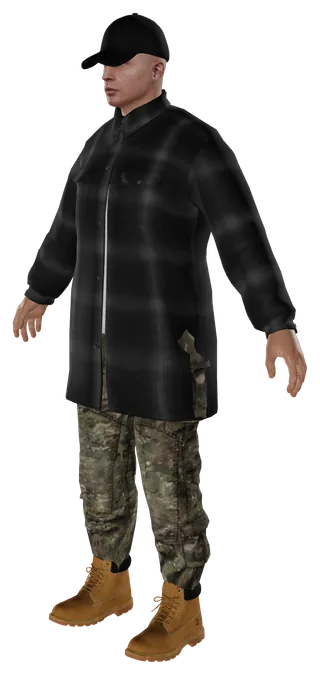
Flannel Overshirt
Price 180
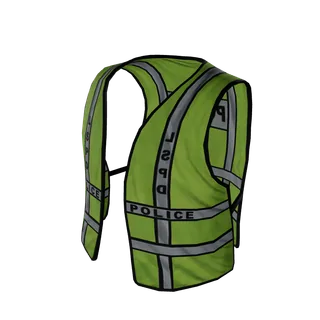
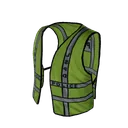
Hi-Vis Vest
Price 90
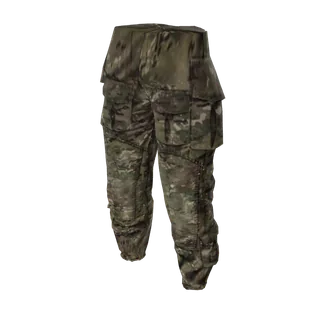
Cargo Trousers
Price 220
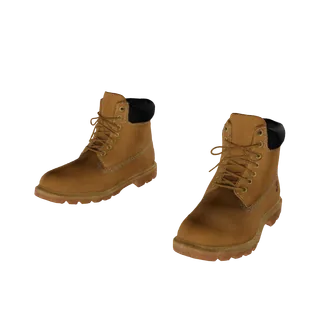
Work Boots
Price 300

Ball Cap
Price 60

 Opens DurtyClothTool and grzyClothTool projects Not affiliated with either tool
Drop a DurtyClothTool project with its data folder, a grzyClothTool project, a built resource, a zip of one, or a folder of YDD and YTD files. Packs reads the ped, slot, number and skin tone from the file names, and a built resource's YMT keeps every item at its number.
Up to 60,000 files in one drop
DurtyClothTool 4 Its projects are encrypted, so open the resource it built: the YMT keeps every item at its number.
Items grouped by ped and slot with their numbers, every colourway a lettered texture, the ped wearing what you pick and each finding next to its fix. A DurtyClothTool project opens into exactly this, in your browser. Click through the example pack: its clothes, textures and findings are real.
 Zoovdev Workspace Create Packs Beta Z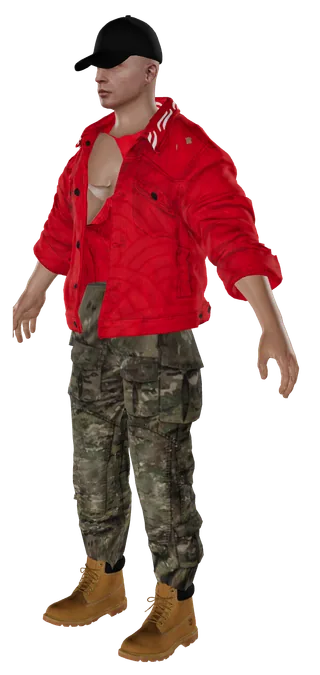
6 items · 20 variations · 13 warnings
Invite anyone in the Zoovdev Discord server by name and the bot sends them the pack. Everyone sees who else is in it and what they are working on, and each change reaches the others as it is made. A thread on each item keeps the notes next to the clothing, and people you invite to view can look through the pack without changing it.
Share with 2 people on Pro · with anyone on Max
Save a pack to the cloud and open it on any computer. Packs keeps a version every ten minutes of work, at every build and whenever you name one, and you can compare any version with the pack as it is now or restore it without losing what came after.
History kept 30 days on Standard, 90 on Pro and 365 on Max
Packs checks every model and texture as it comes in: sizes that are not a power of two, missing mipmaps, textures too large for their slot, models over their triangle budget or without LODs, duplicates and items that look alike, and how much of each slot is used. Most findings come with a fix, and Fix all runs them across the whole pack.
Male · Top · 172 of 255 used
Past 255, the next items go into a second collection in the same resource, and Packs moves them there itself.
Click an item to see it on the freemode body, add others to build an outfit and turn the camera to check the fit from every side. Props sit on the bones they belong to, and Packs takes a picture of every item for your store or your Discord.
Recolour an item by hand, generate new variations with AI on the item's own UV layout, or paint one in the Designer. Each new colourway is added as the next letter, so nothing already on your server moves, and AI can name and tag the whole pack from its pictures.
Recolour is free · AI variations use credits at the Designer's prices
Build for FiveM Legacy or Enhanced. Packs writes the YMTs, the shop meta, the creature metadata and the alternate and first-person metas, moves a slot past 255 into a second collection on its own, and prints what changed since the last build as a post for your Discord.
Free keeps one pack on this device with the same limits as DurtyClothTool's free edition. Standard, Pro and Max add the cloud copy with its history, lift the item limits and keep more packs the higher you go, and sharing starts on Pro. Every plan is a whole Zoovdev plan, so its credits and all 16 tools come with it.
Open Packs without an account and sign in with Discord when you are ready to build, save to the cloud or invite your team.