Install Zoovdev
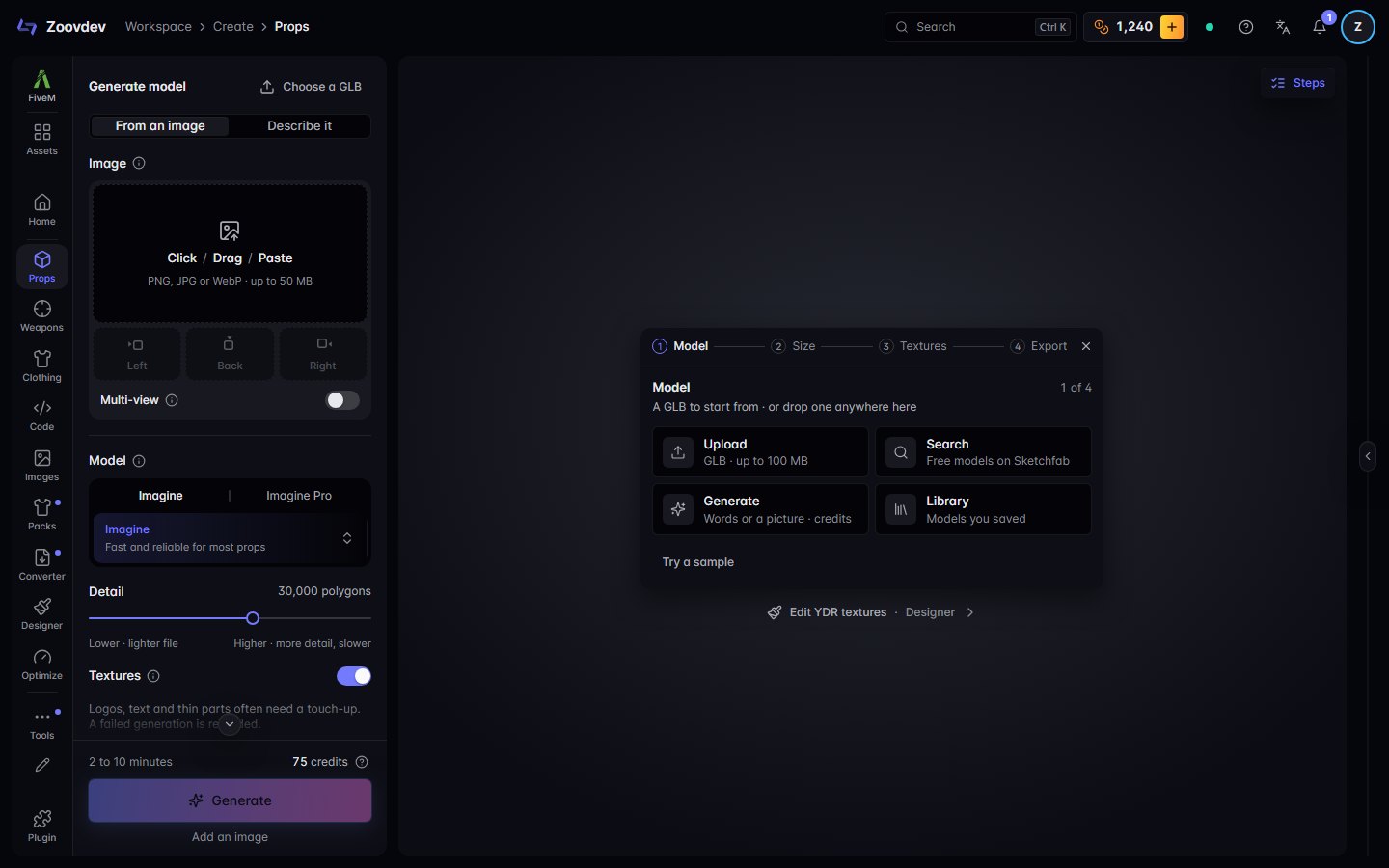
Zoovdev in its own window, from your taskbar or Dock: no tabs, no address bar, always the latest version.
From the browser menu
- 1 Open the menu (⋮) at the top right of Chrome
- 2 Choose Cast, save, and share, then Install page as app
- 3 Press Install
Or press the install icon at the right end of the address bar.
To remove it later, choose Uninstall in the app's own menu, or drag it out of the Dock.